
Instances
Create, inspect, control and share instances. List at /vms, detail at /hosts/:host/vms/:uuid.
List
Columns: name, host, status, specs, IP, actions. Filter by host, status, keyword. Batch selection is supported.
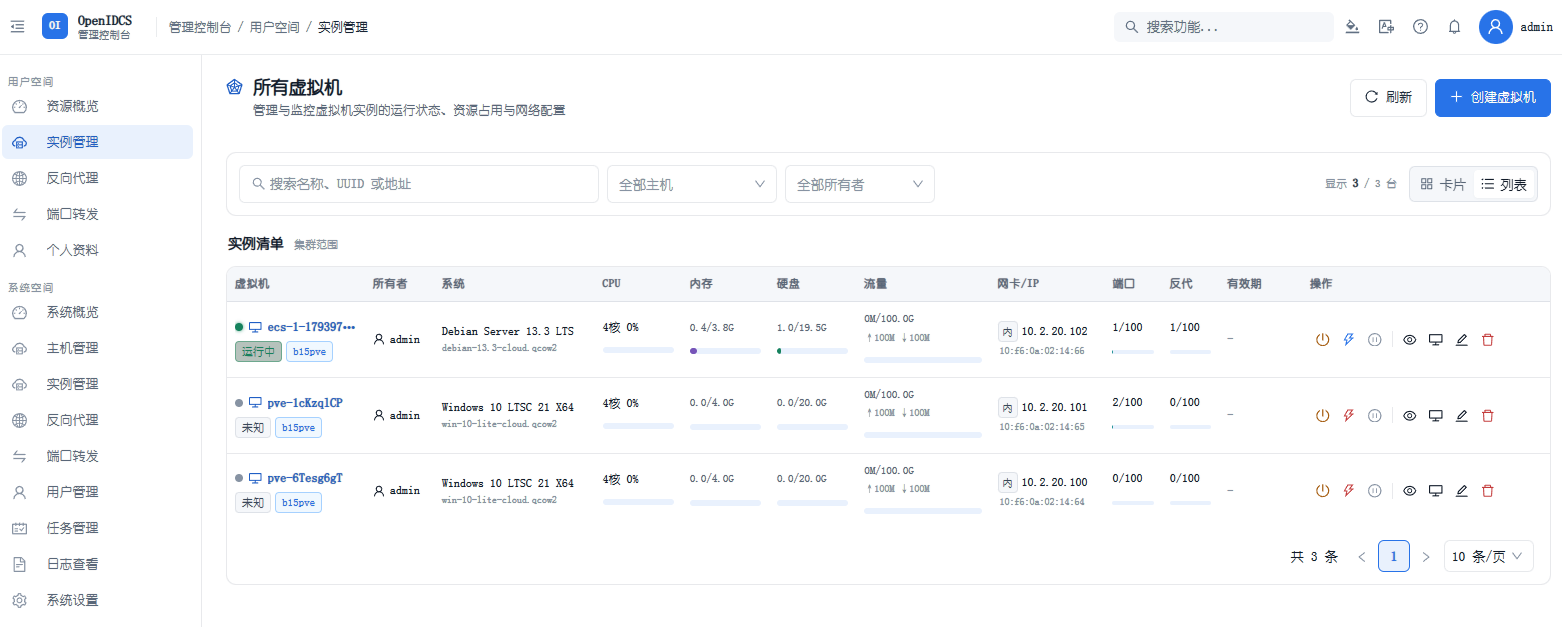
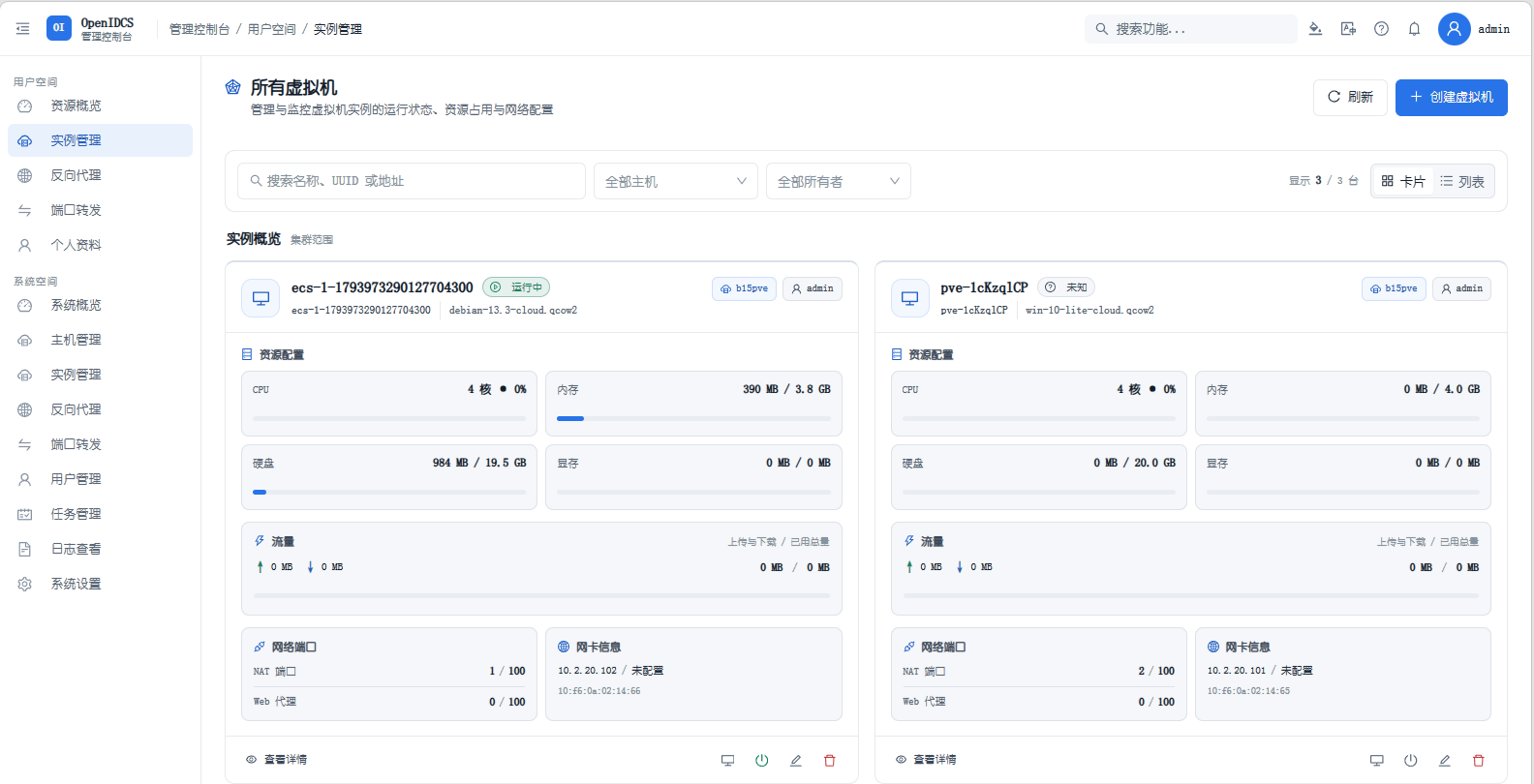
Create wizard
- Host — only online, enabled hosts; platform limits are shown inline.
- Image — from
images_pathor platform images. - Specs — CPU, memory, disk, bandwidth, GPU, data disks, IP count. Disabled fields are hidden.
- Init — hostname, user, password, SSH keys, cloud-init
runcmd, network mode.
The API returns a task ID; the list shows creating.
Detail tabs
Admin view of the instance detail page:
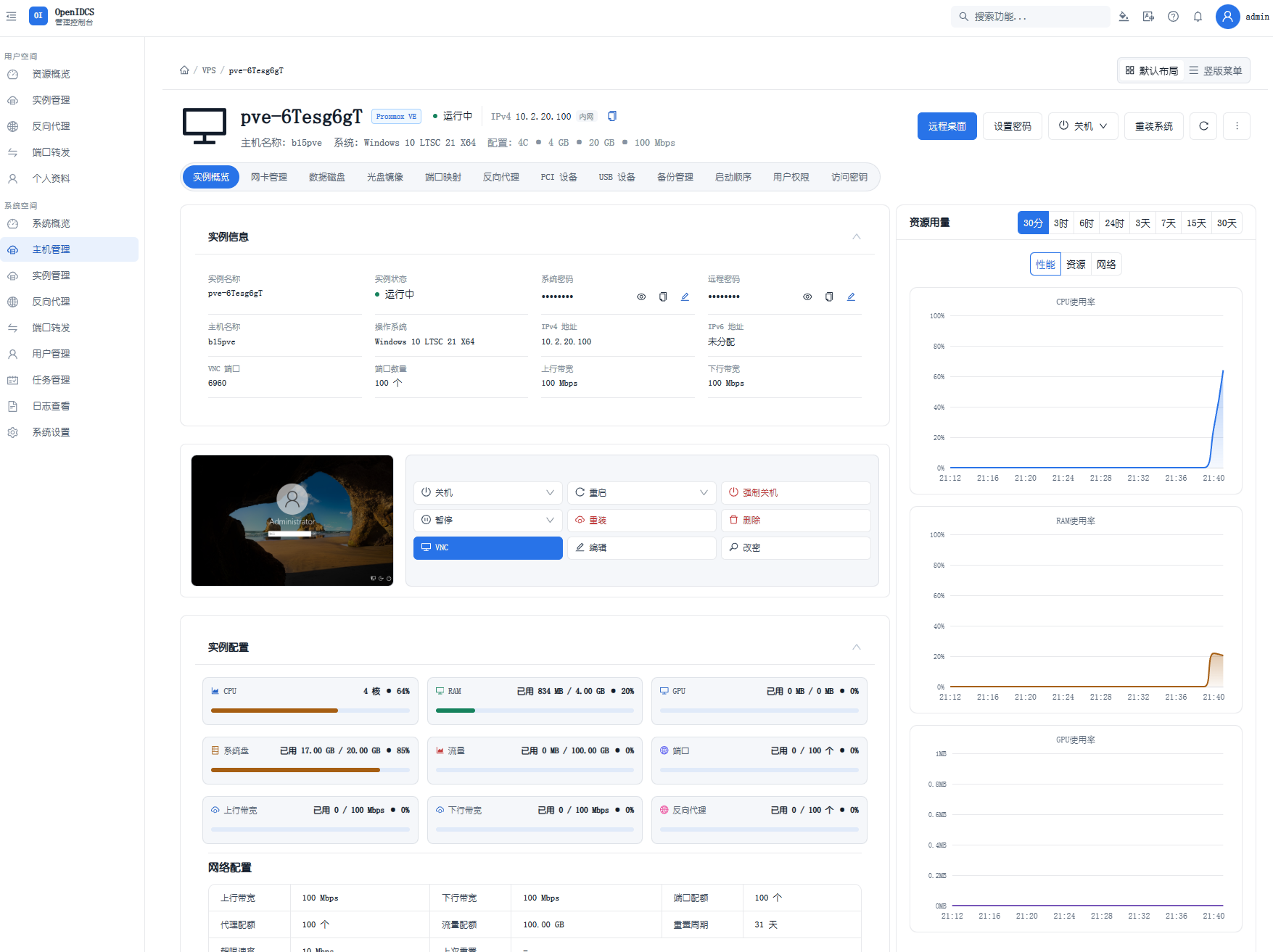
Overview · Monitoring · Console · Storage · Network · Backup · Sharing · Access key · Tasks · Settings.
User view of the same instance:
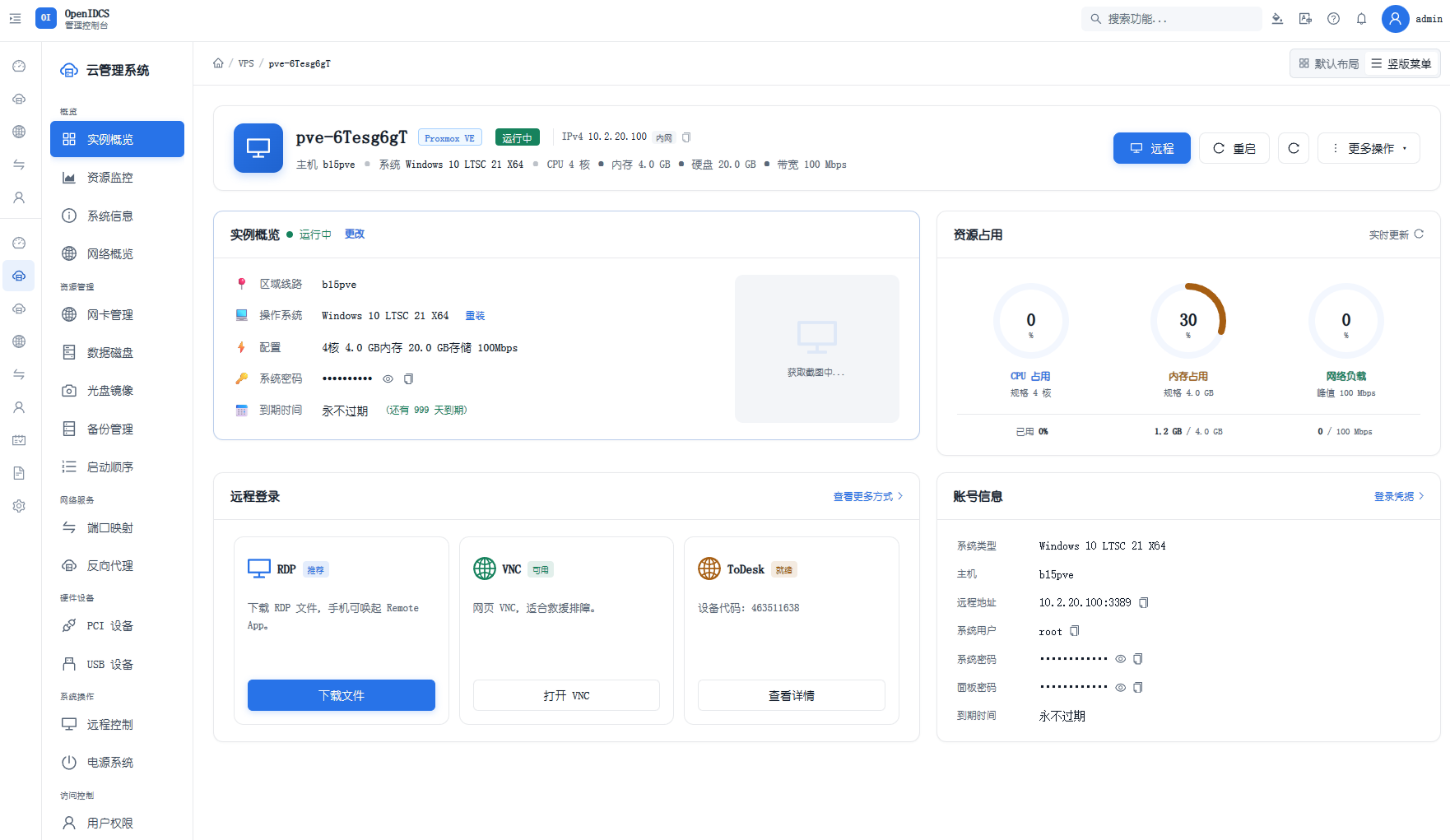
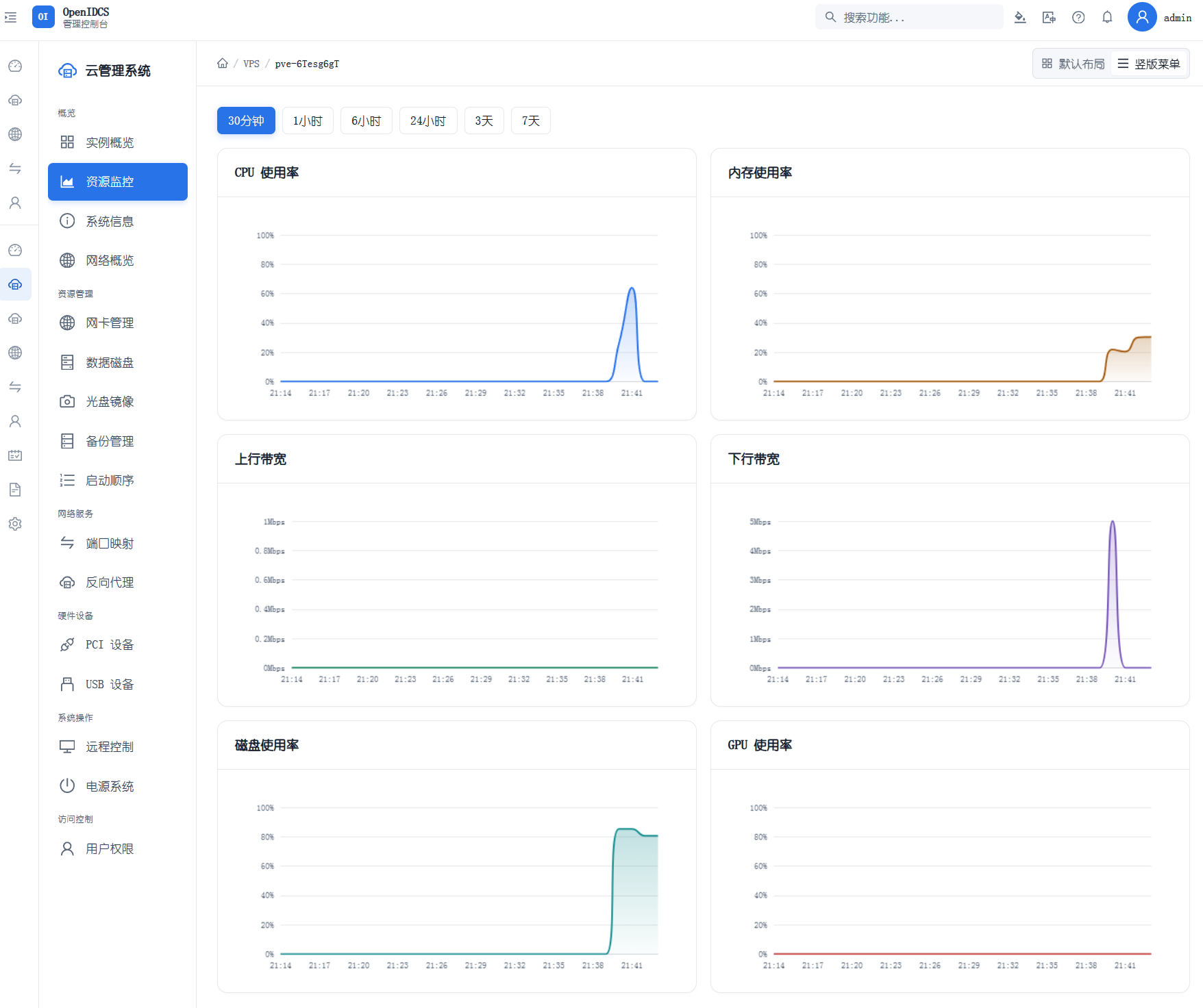
Monitoring
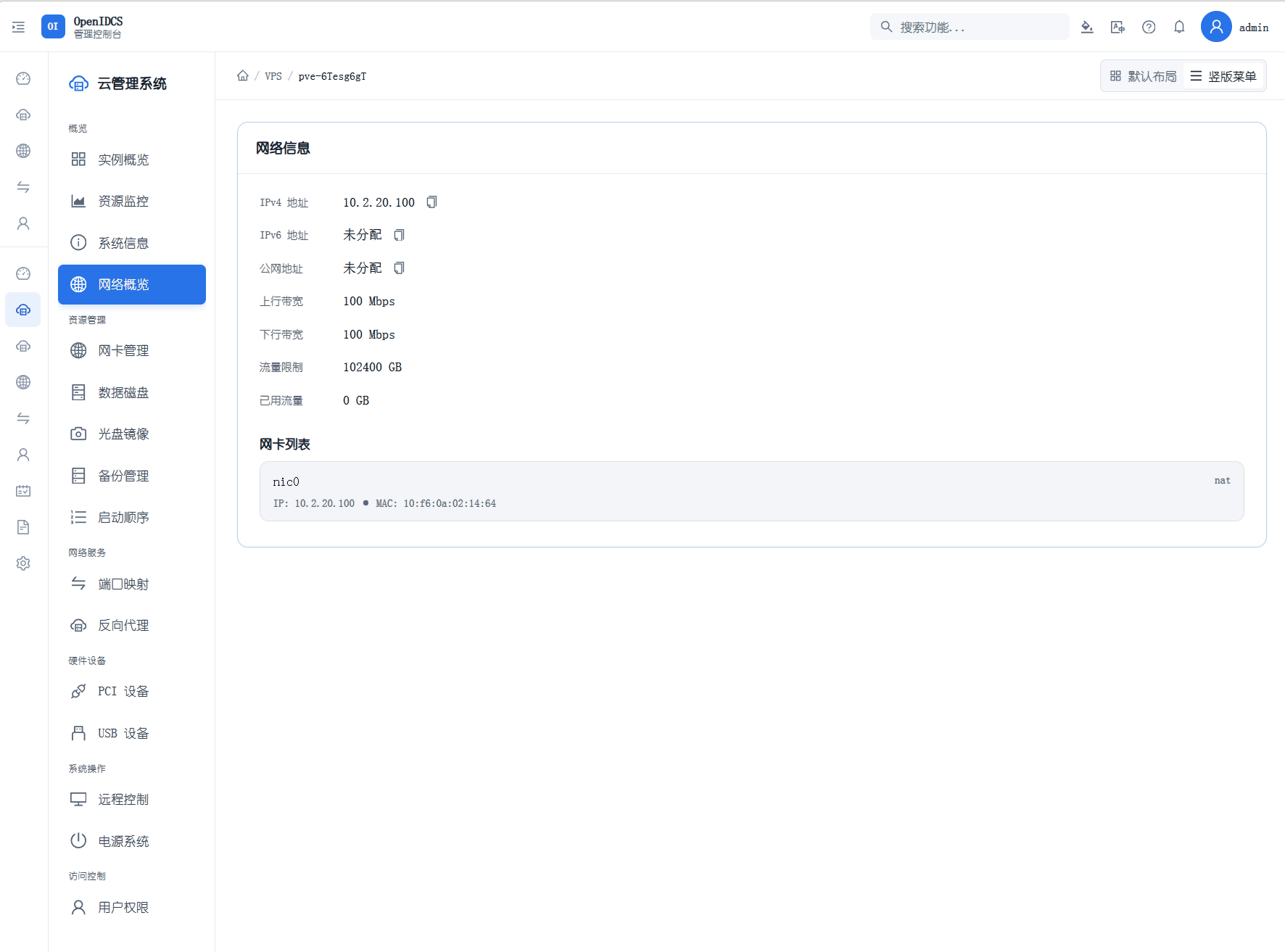
Network
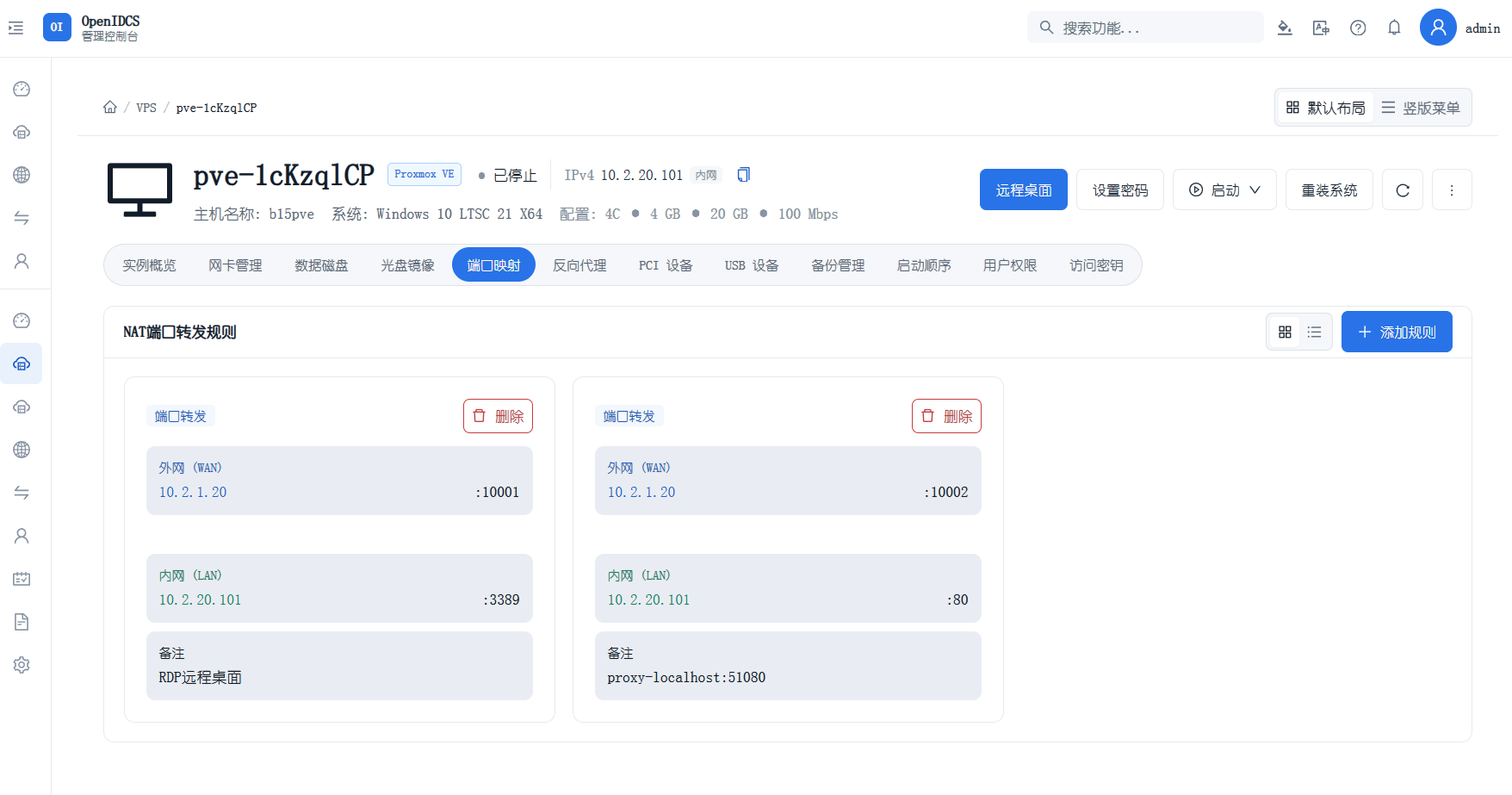
Port forwarding
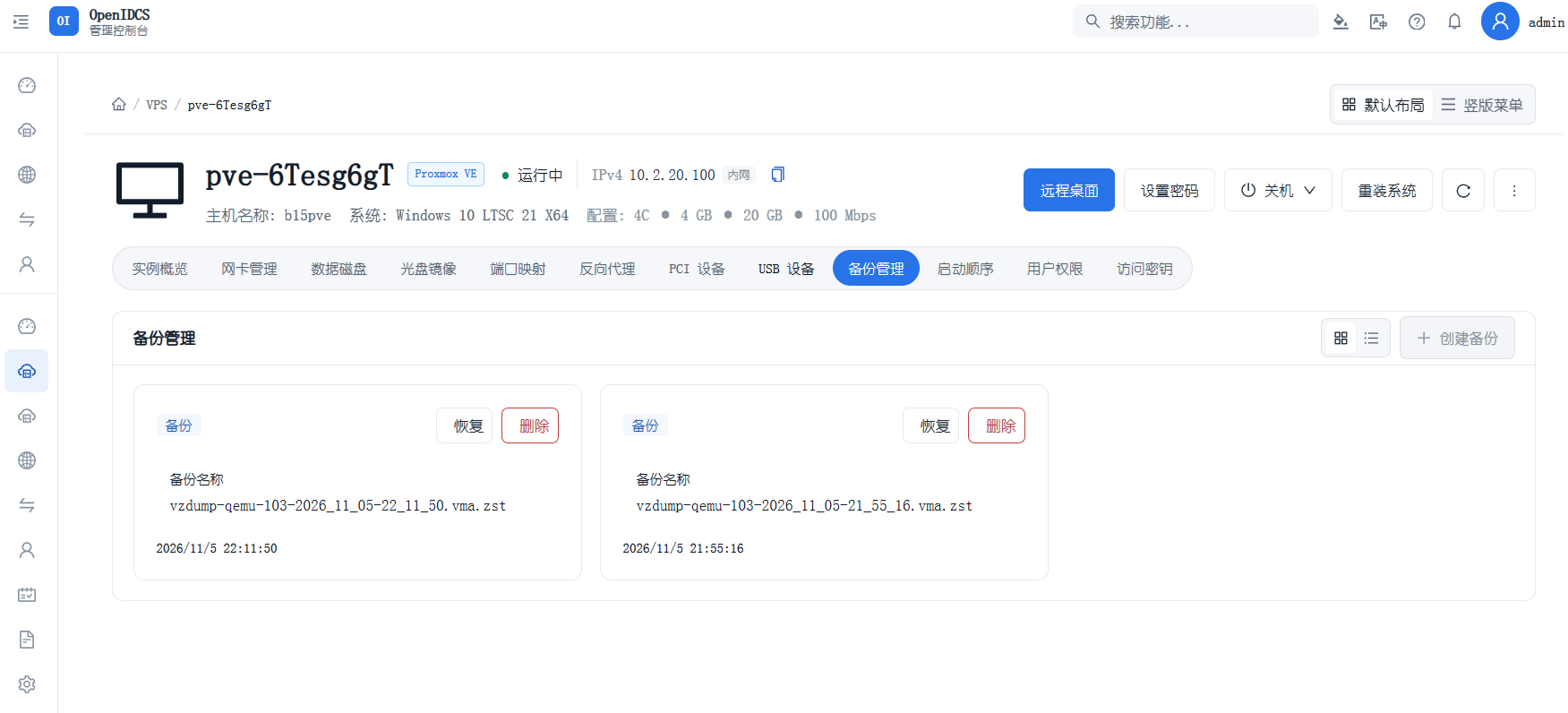
Backup
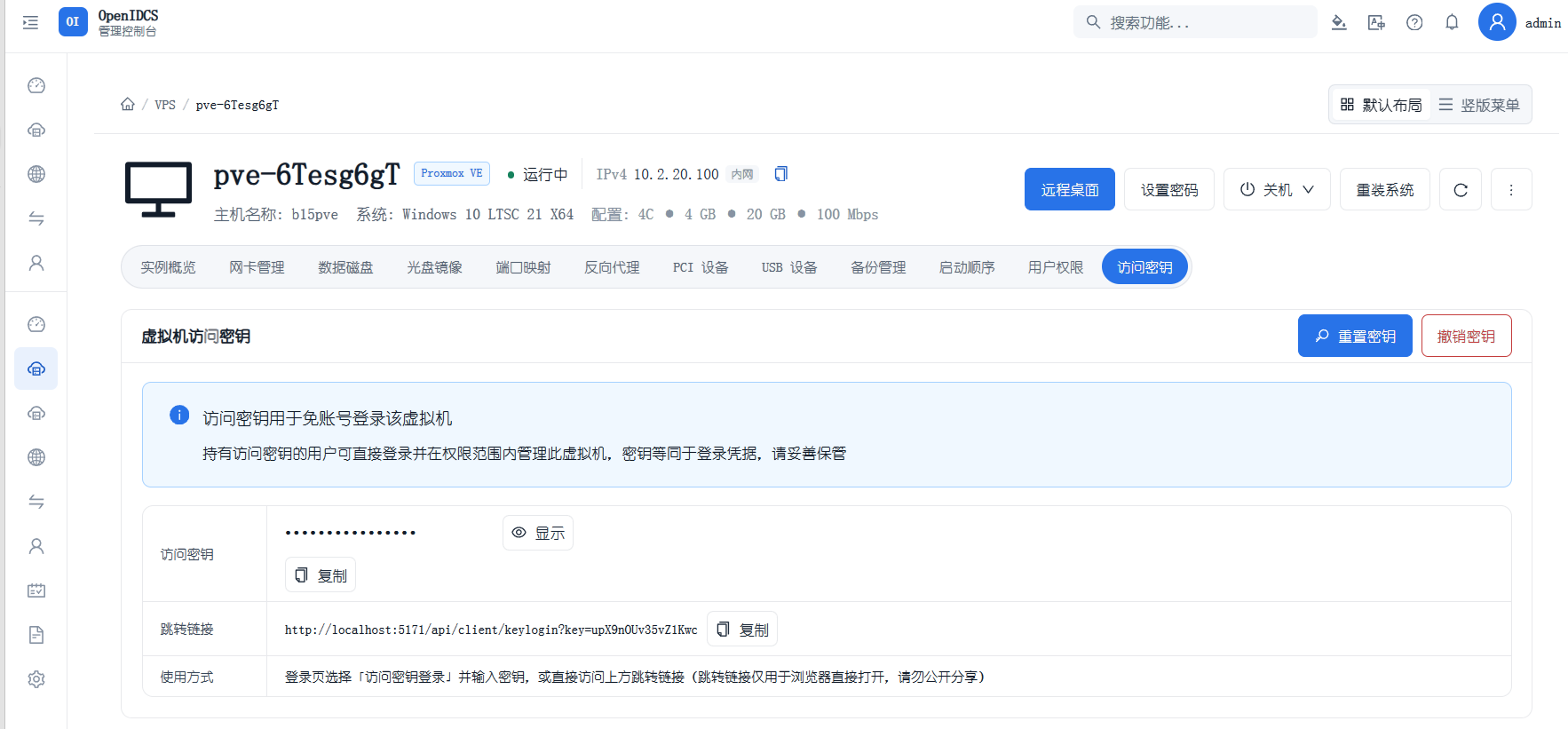
Access key
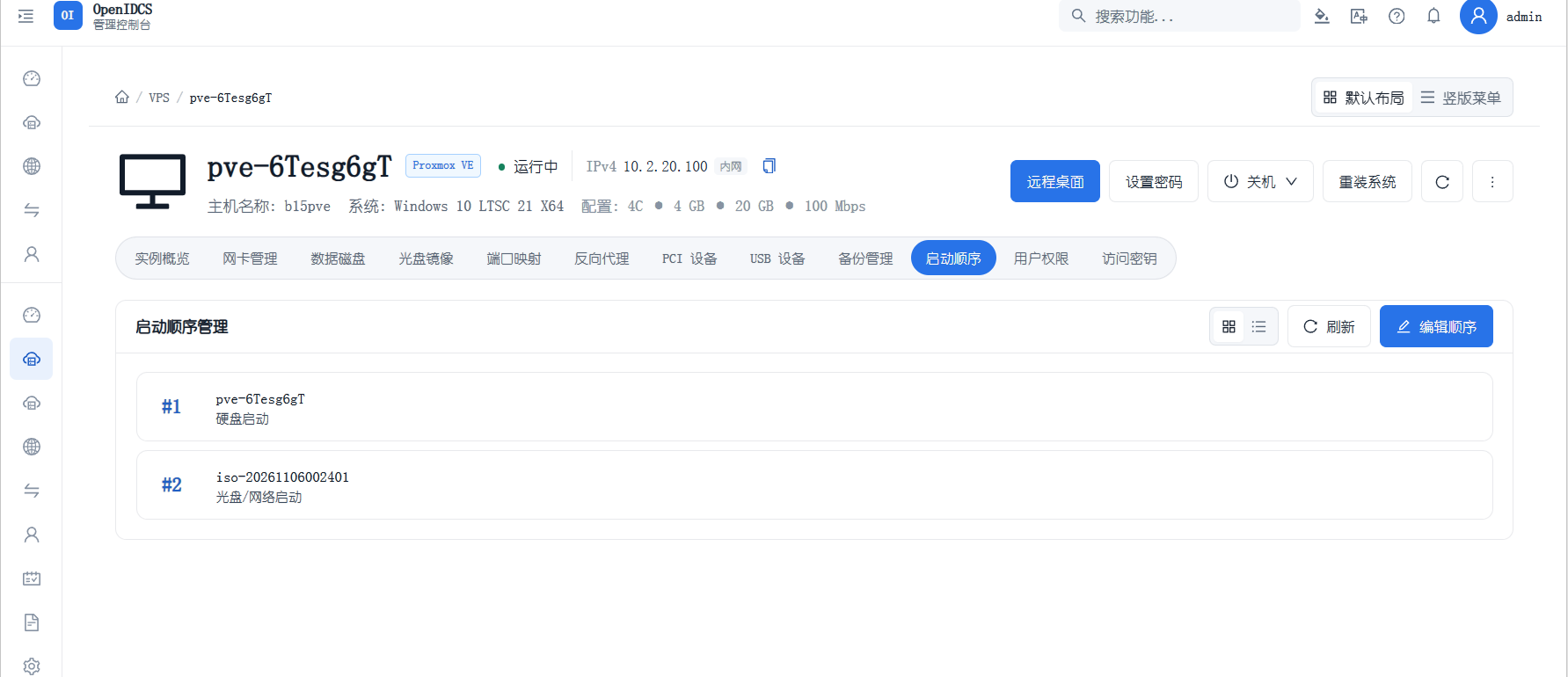
Boot order
Power actions
| Action | Notes |
|---|---|
| start | — |
| stop | graceful, guest support required |
| poweroff | may lose data |
| restart | — |
| reset | platform dependent |
| pause / resume | not on MuMu |
| reinstall | rebuilds system disk |
| delete | tombstone + async reclaim |
Console
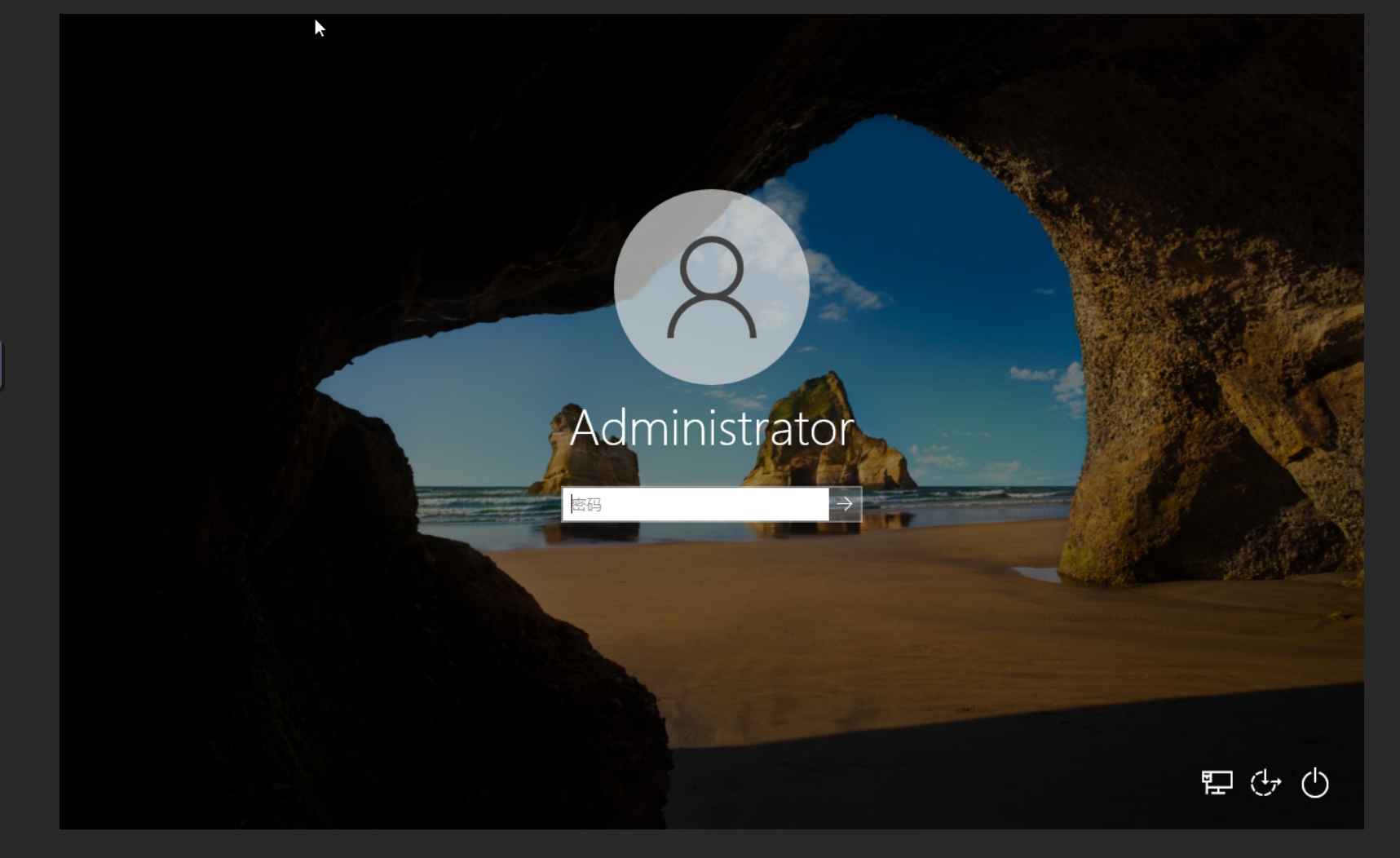
- noVNC: Ctrl+Alt+Del, clipboard, fullscreen.
- Web SSH: copy/paste friendly.
- RDP / ADB for Hyper-V, Workstation and MuMu.
Editing
- CPU/memory changes usually require a restart.
- Disks can grow, not shrink.
- Bandwidth changes apply immediately where supported.
- Changing the image does not reinstall; use "reinstall".
Sharing
Transfer ownership, add shares (read-only / console / manage), generate a 16-character access key. See Sharing & access keys.
Batch operations
Power on/off and delete multiple instances, or attach several instances to one proxy rule (same host).
CLI
bash
quickidc vm list --host pve-lab
quickidc vm add --host pve-lab --image debian12 --cpu 2 --mem 2048 --disk 40
quickidc vm power start <uuid>