
Hosts
Hosts connect virtualization platforms to the controller.
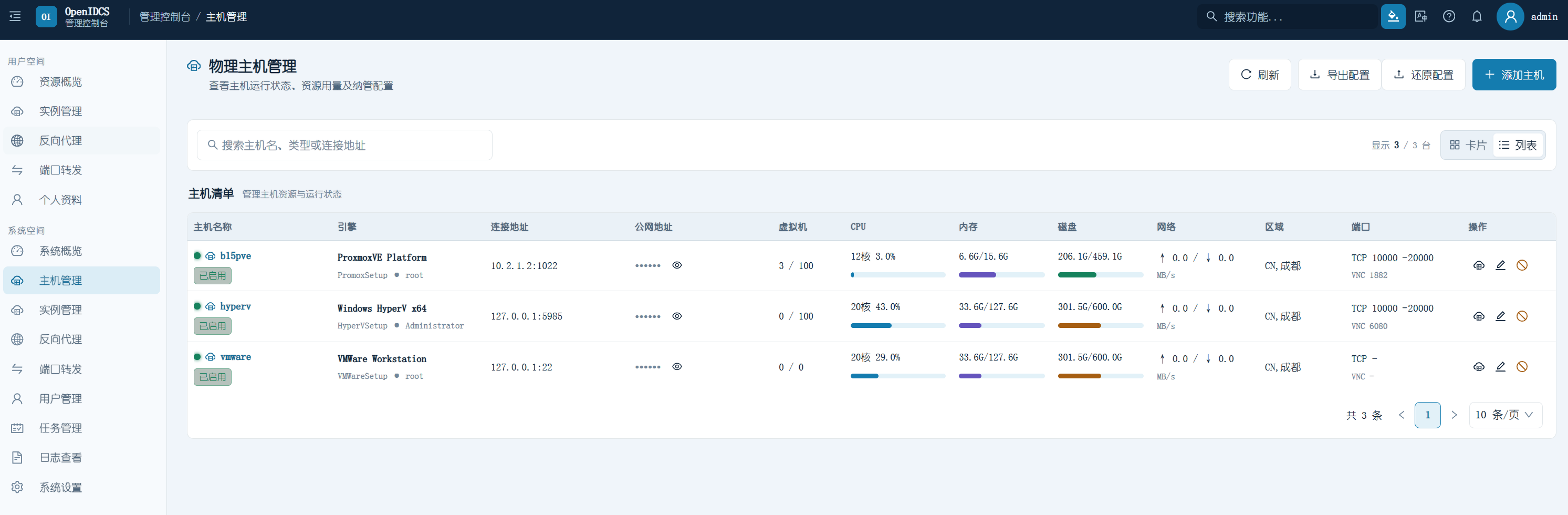
List
Columns: name (hs_name), type, address, status, instance count, actions (detail, edit, enable/disable, delete, scan).
Hover the status to see the last probe error.
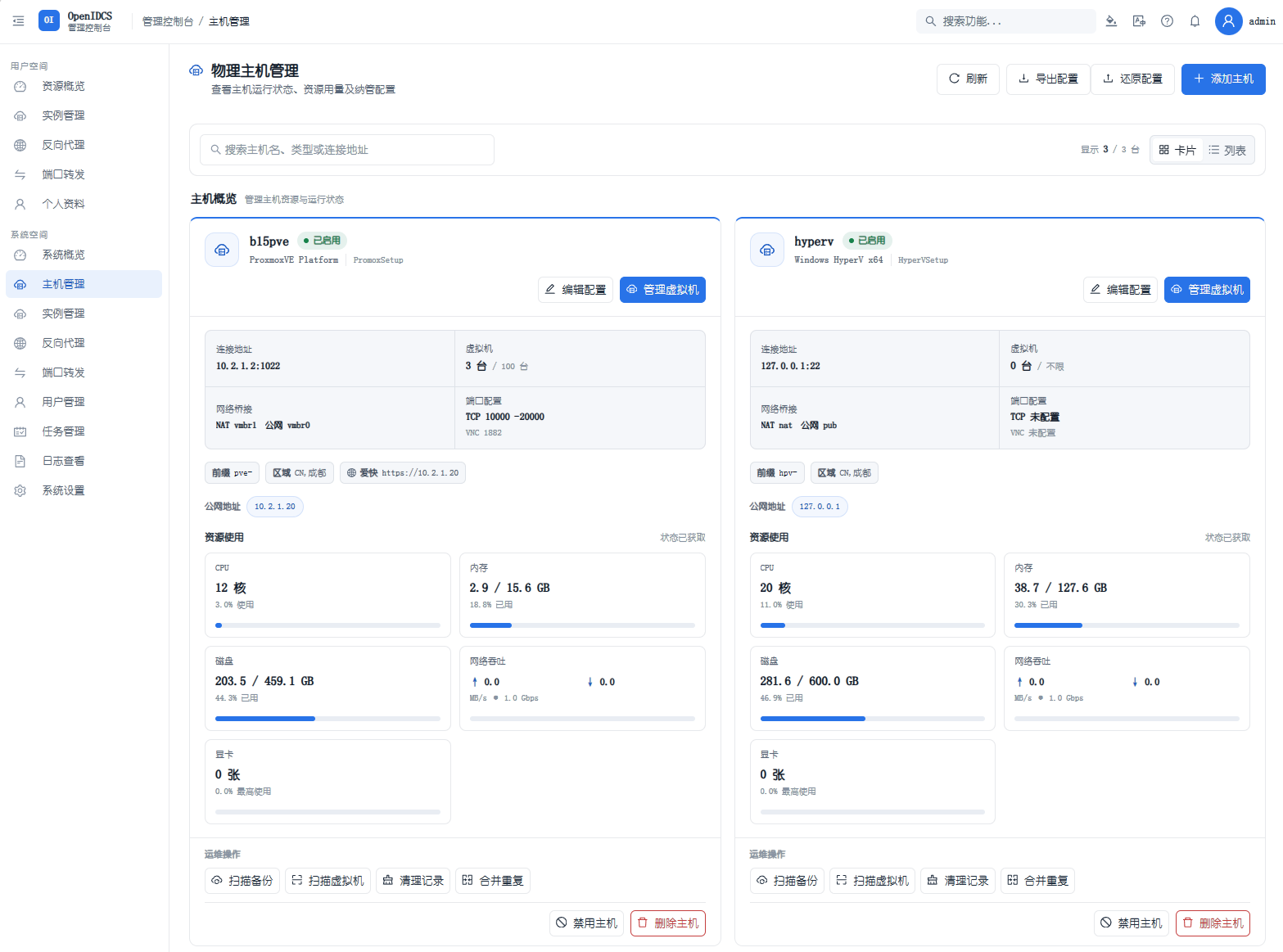
Create
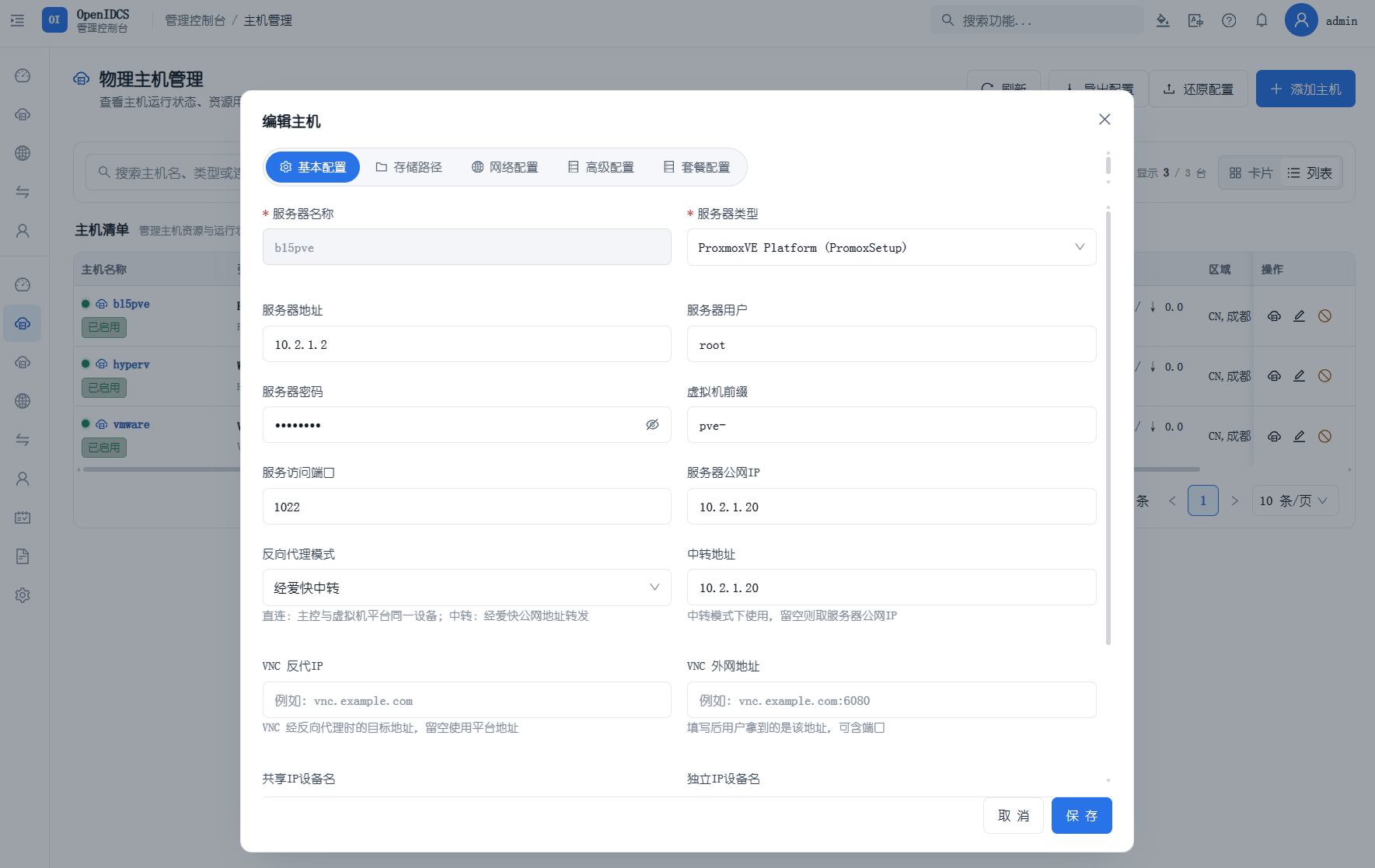
Basic
| Field | Required | Notes |
|---|---|---|
| Name | yes | unique |
| Type | yes | engine type |
| Address | yes | host[:port], localhost for local |
| User / password | remote | SSH or API |
| Instance prefix | recommended | filter |
| Service port | platform | API |
| Public IP | recommended | comma separated |
| Proxy mode | recommended | direct / relay |
| Relay address | relay only | defaults to public IP |
| VNC proxy / public | optional | console address |
| Shared/dedicated device | optional | iKuai names |
| Area code/name | optional | grouping |
Storage
Image path, ISO path, system path, backup path, data path, program path.
Network / iKuai
iKuai address/user/password, TCP port range, VNC port, instance cap, DNS.
Pricing (optional)
Per-CPU/memory/disk/traffic prices for display or billing.
After saving
- The controller probes the host immediately.
- Scan existing instances.
- Create a test instance.
Edit / delete
- Type cannot be changed; delete and recreate instead.
- Disable keeps records but blocks new instances.
- Delete requires instances to be removed first (or force delete).
Scan and backup
| Action | Effect |
|---|---|
| Scan instances | reconcile platform state |
| Scan backups | discover existing backups |
| Export | YAML host config |
| Import | restore config (credentials may be required) |
CLI
bash
quickidc host list
quickidc host add --name pve-lab --type PromoxSetup --addr 10.0.0.21:8006 --user root@pam
quickidc host status pve-lab
quickidc host scanvm pve-lab